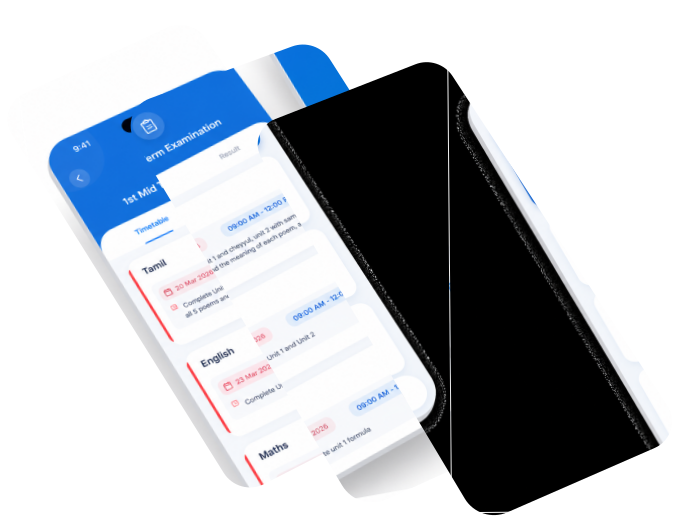
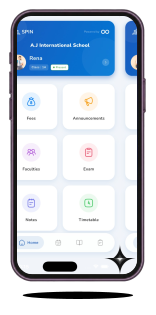
SPIN Parent Portal is designed to simplify the relationship between schools and families. Every feature is created to help parents stay informed without confusion, delay, or information overload.
From daily classroom activities to major school announcements, SPIN ensures communication stays structured, secure, and instantly accessible.

Parents do not just need information—they need it at the right time,
in the right place. SPIN makes school
communication organized, reliable, and stress-free.

Official school
announcements

Daily homework
tracking

Instant
attendance alerts

Secure digital
exam results
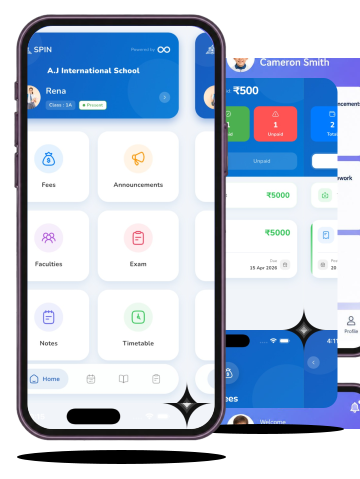
Unlike traditional messaging groups and scattered communication channels, SPIN organizes every school activity date-wise and subject-wise, making it effortless to find exactly what you need—whenever you need it.

Never Guess What Happened in Class Again.


Parents stay fully updated with their child’s daily learning through real-time classroom progress, homework tracking, and organized study materials. Teachers share the exact topics covered each day, assignments are clearly managed by due date, and subject-wise notes, worksheets, and learning resources are all available in one convenient place.

Remove the Anxiety from Exam Season.
Parents stay prepared for every academic milestone with instant access to exam schedules, digital report cards, and performance updates. Official timetables help families plan ahead, while secure online access to results and academic records makes it easy to monitor progress throughout the year.

Real-Time Safety and Daily Logistics.
Parents stay informed and students stay organized with instant attendance alerts, updated class timetables, and smart daily planning tools. Immediate absence notifications improve student safety, while clear schedules help families prepare for classes, assignments, and daily activities without confusion.

Total Financial Transparency and Awareness.
Managing school payments becomes simple and stress-free with a secure dashboard that provides complete financial visibility. Parents can instantly check paid and pending fee records, receive timely payment reminders, and track every transaction and installment clearly in one organized place.

The End of Chaotic Parent Chat Groups.
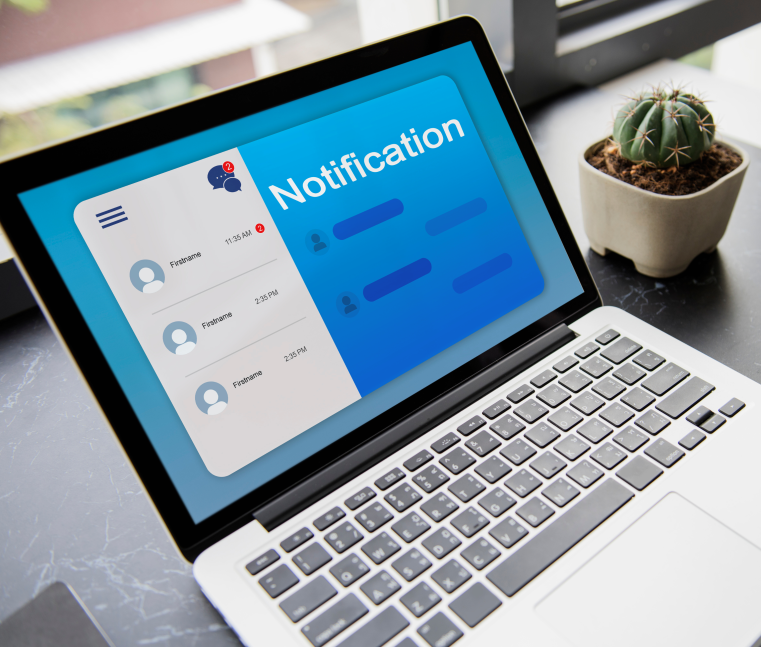
Important school updates are delivered through a secure and reliable communication platform designed for clarity and trust. Parents receive official announcements about holidays, events, emergencies, and school activities through instant notifications—without unnecessary distractions or unofficial information.
One App for All Your Children.
Managing multiple children becomes effortless with a unified family dashboard that keeps everything organized in one place. Parents can easily switch between student profiles, track homework, attendance, fees, exams, and announcements for each child, and enjoy a simple, streamlined experience without juggling multiple accounts.
The school activates SPIN and creates secure parent accounts.
Teachers and administrators update attendance, homework, announcements, and schedules directly inside the platform.
Parents receive organized updates instantly on mobile or desktop devices.
The SPIN Parent App is engineered with encrypted authentication, secure passkeys, and privacy-focused architecture to ensure every student record remains protected.
School-issued secure access for authorized guardians only.

Prevent unauthorized sharing of sensitive academic information.

Face ID, fingerprint authentication, and smart device management.


Tap the download button to save the official SPIN APK file to your device.

Navigate to your device’s Settings > Security and enable "Install from Unknown Sources."

Open the downloaded file and install.

Log in using the secure Passkey provided by your school administration to begin your real-time connection.